DroPilot Voicings
Create a progression
Add the chords you are practicing or writing.
Guitar chords appFree to download
Discover other ways to play the chords you already know and start truly understanding your guitar fretboard. DroPilot helps you see how the same progression can be played in different ways across the neck.
No memorising hundreds of diagrams. No advanced theory required. And no subscriptions.


Available for Android and iOS
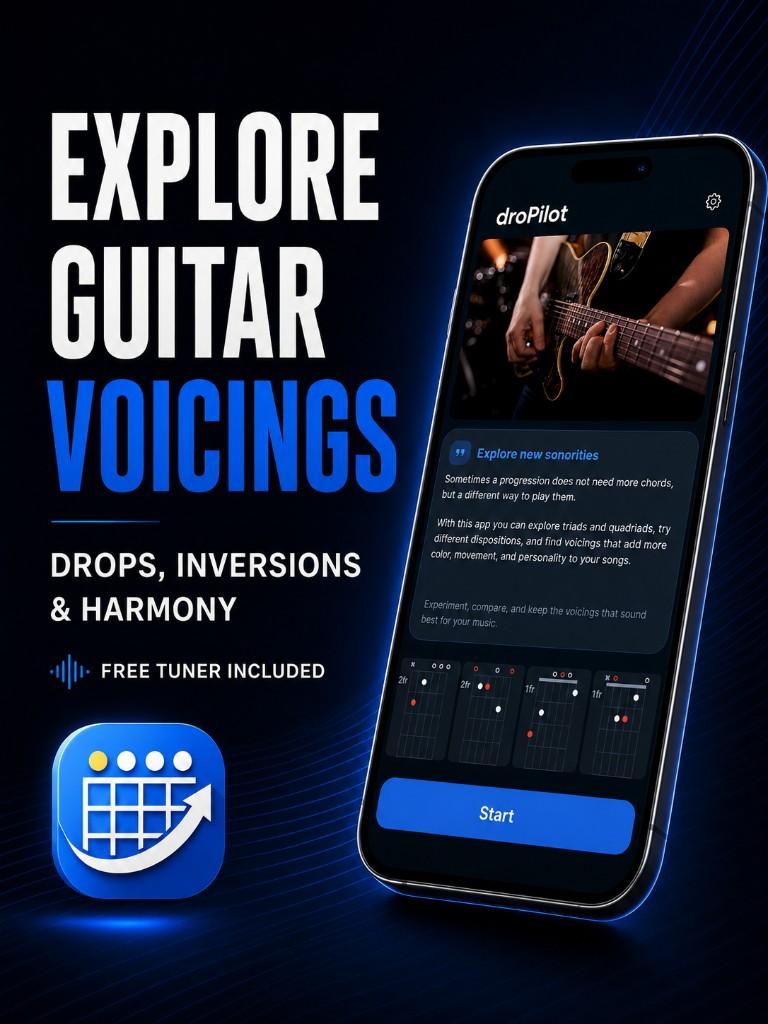
You learn G. Then C. Then D. Maybe a barre chord. For a while that feels enough — until you notice that all your progressions start sounding alike.
The problem is not that you need to memorise another 100 chords. The problem is that you learned each chord as if there were only one way to play it. And the fretboard is full of alternatives.
A C is still a C even if you change where you play it. But it can feel completely different inside a song: more open, more compact, higher, lower, or easier to connect to the next chord.
DroPilot lets you explore those possibilities directly on the fretboard. Same chords. New shapes. Another sound.
Instead of looking up chords one by one on Google or memorising isolated diagrams, DroPilot lets you work directly with a progression.
C → Am → F → G
Choose a chord. See the different positions available. Change fretboard zone. Compare them. Listen. And find the combination you like most.
That is how you start understanding the fretboard while doing something far more useful: playing music.
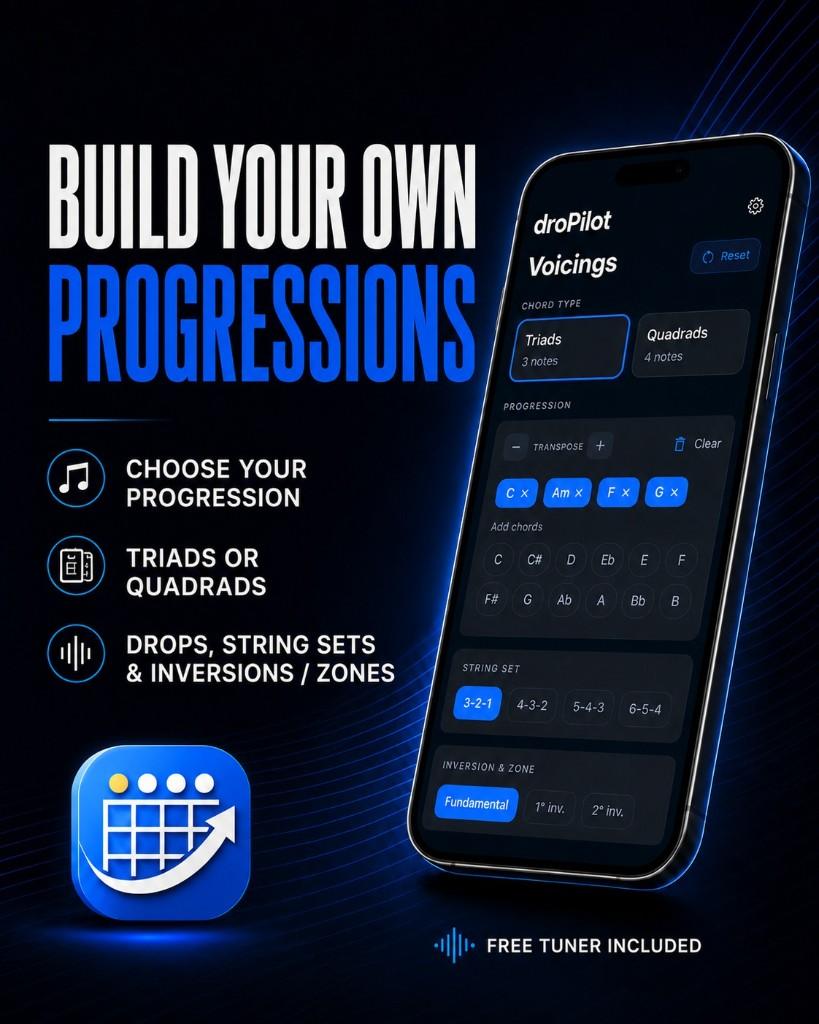
In fact, you can start without knowing it. A voicing is simply a concrete way of playing a chord. If so far you only knew one or two positions, DroPilot helps you discover many more.
And when you want to go deeper, you can also explore ideas like triads, inversions, different string sets, Drop 2 and Drop 3 voicings, or transpose.
You do not need to learn everything before you start. First you see it. First you play it. Then you start to understand it.
Learning guitar often starts by memorising shapes. That works at first. But there comes a point when you want to understand what is behind them. DroPilot helps you take that next step.
Add the chords you are practicing or writing.
See different ways to play each chord across the neck.
Try which positions connect better with each other.
Stop seeing the fretboard as a pile of frets and start recognising possibilities.
You can own a dictionary with thousands of chords. But knowing a position exists is not the same as knowing how to use it. That is why DroPilot works with real progressions.
You can compare different ways to play the chords while considering what comes before and after — because that is what happens when you actually play a song. You do not use isolated chords. You connect them.
Imagine you already know a simple progression. You do not need to change its chords to get another colour. Sometimes it is enough to change where and how you are playing them.
DroPilot lets you explore those alternatives visually so you can try them on your guitar. Theory makes much more sense when you can hear it and play it.
Create progressions and work with chords in real musical context.
Discover other ways to play the chords you already know.
Find smaller, more manageable shapes to build your chords.
When you want to go deeper, explore more advanced structures and positions.
Narrow the options to positions that make sense where you are playing.
Move your ideas to other keys without starting from scratch.
Save the positions you like most so you can find them later.
Tune your guitar from the same app before you start practicing.
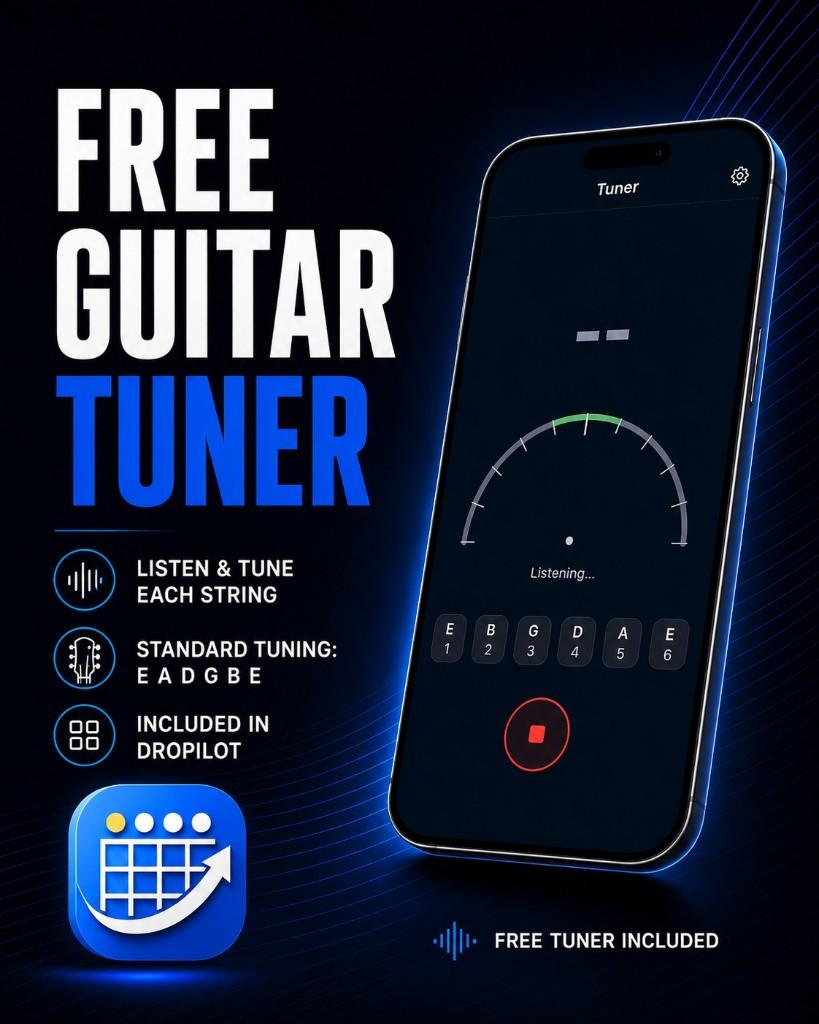
You pick up the guitar. You want to practice. But first you need to tune. DroPilot includes a tuner with standard reference E · A · D · G · B · E.
So you can tune and start exploring your chords from the same app — without constantly switching tools.
DroPilot is especially useful if:
but feel like you always use the same ones.
and want to start understanding what happens higher up the neck.
but do not understand why other guitarists use them.
without turning every practice session into a theory class.
but want to see it directly on the guitar.
You do not need to be an advanced guitarist. You only need some basics and the desire to discover what else you can do with the chords you already know.
Maybe you do not need to learn another chord. Maybe you need another way to play the same one. That is what you can start exploring with DroPilot.
Start with the free version and discover the fretboard at your own pace.
Yes, as long as you already know some basics. You do not need advanced harmony, inversions or voicings to start. If you know a few chords and want other ways to play them — and to understand the fretboard better — you can begin there.
Yes. A voicing is simply a concrete way of arranging and playing the notes of a chord. You can start by exploring positions visually and dig into those ideas later.
Not exactly. You can explore chord shapes, but DroPilot is built to use them inside progressions. The point is not only where to put your fingers — it is comparing different ways to play the chords inside real music.
Yes. Download DroPilot for free and start exploring without buying Pro.
No. DroPilot Pro unlocks with a one-time payment. No monthly fees or recurring charges.
Pro expands the toolkit with advanced voicing options, more string sets, transpose tools, favorites and other features for deeper fretboard harmony.
Yes. DroPilot includes a built-in guitar tuner with standard E A D G B E tuning.
Core features are designed to work without a constant internet connection.
Yes. You can download DroPilot on Google Play and the App Store.
You do not need to memorise all of it. Start with a progression you already know. See what other options you have. Try them. Listen. And little by little, the fretboard starts to make sense.
Free to start · Optional Pro · No subscription